There are three easy ways to delete a widget:
- From the cavas
- From the Navigator
- Using the widget handle
Delete a widget from the canvas
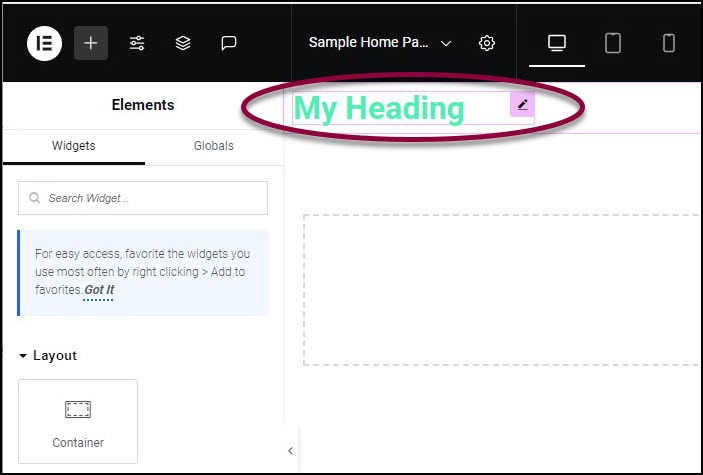
- On the canvas, select the widget by clicking it.
- Press the delete key on your keyboard.
Delete a widget using the Navigator
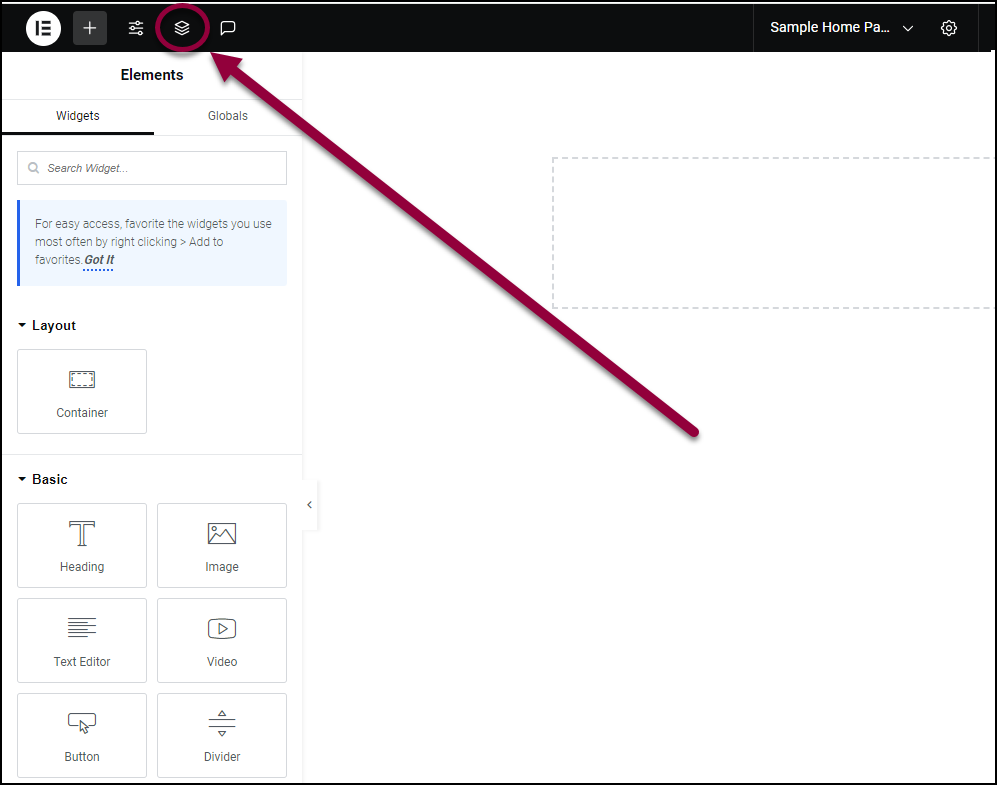
- Click the Structure icon
 .
.
This will open the Navigator.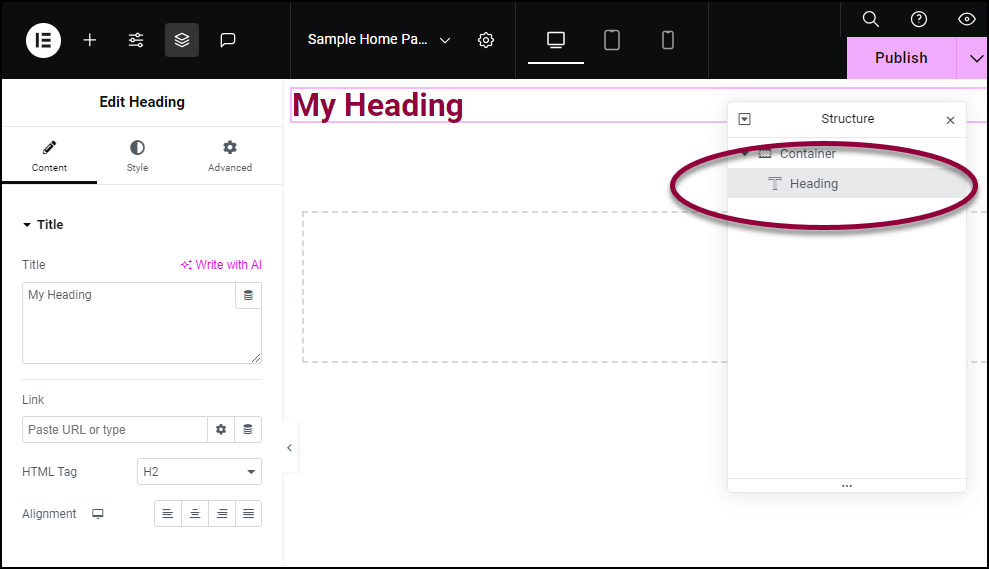
- Find and select the widget element you wish to delete.
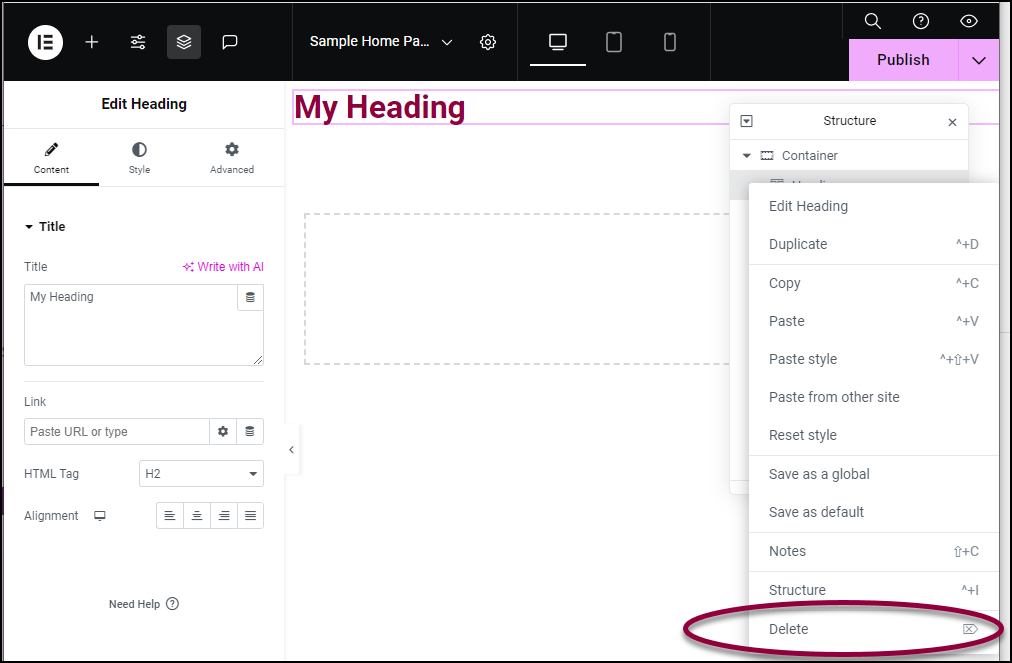
- Right-click the element and choose Delete from the dropdown menu.
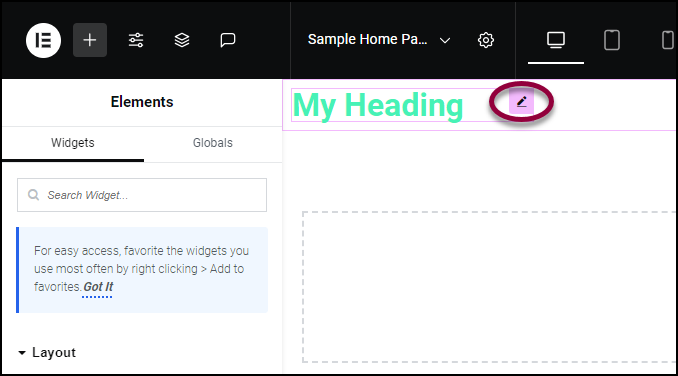
Delete a widget using the widget handle
- Right-click the widget’s Edit Widget handle
 .
.
This will bring up the dropdown menu.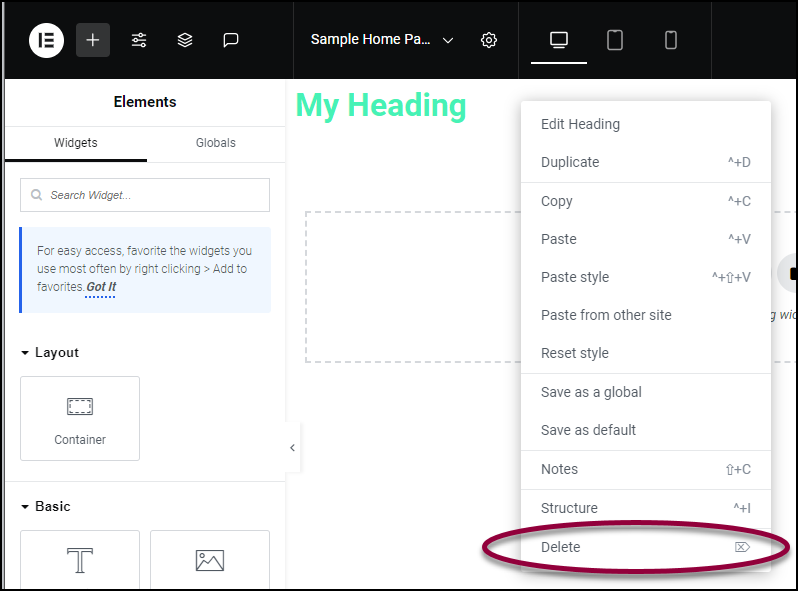
- Choose Delete from the dropdown menu.